

Now that we are getting more groups added to the Flocknote communication software, people are wondering about how to see what groups they are a part of.
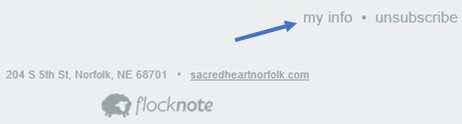
A quick way to check is to scroll to the bottom of a Flocknote that you received. In the bottom right corner click on the words my info. Your profile will open, and you can check your groups. You can also change the way that you receive messages to text or email or, if both are chosen, it comes the way it was composed.
Please contact the schools or parish office if you need to change your email or phone number so we can update all our databases. Thank you.